
Many small business owners in Canada and the United States open their websites only to feel lost about what truly matters on the homepage. When every design decision can impact your first impression, getting clear on your goals and audience becomes the backbone of every successful website. This step-by-step guide offers practical advice for defining objectives, understanding visitors, and crafting a homepage that delivers genuine value every time someone arrives.
Key MessageExplanation
1. Define clear goals for your homepage
Establish Specific, Measurable, Achievable, Relevant, and Time-bound objectives to guide your website design effectively.
2. Understand your audience and demographics
Develop detailed customer personas based on demographics and psychographics to tailor your homepage’s messaging and visuals.
3. Prioritise usability and mobile responsiveness
Ensure your homepage is easy to navigate, with responsive design that adapts to devices. Focus on clear typography and strong colour contrast.
4. Create a cohesive visual identity
Maintain consistent branding through colours, typography, and quality imagery to build trust and professionalism.
5. Implement A/B testing for continuous improvement
Regularly test variations of your homepage elements to identify what resonates best with visitors, enhancing performance over time.
Crafting a strategic homepage begins with crystal-clear objectives. Your website’s homepage serves as the digital front door to your business, and understanding precisely what you want to achieve will guide every design decision moving forward.
Start by establishing clear website goals using the SMART framework. This means creating objectives that are Specific, Measurable, Achievable, Relevant, and Time-bound. For small businesses, homepage goals typically include:
To define your target audience effectively, consider these critical demographic and psychographic factors:
Here’s how demographic and psychographic targeting differs for homepage audiences:
Targeting TypeDescriptionTypical Homepage FocusBusiness AdvantageDemographicAge, location, income, jobAdjusts messaging and visualsAddresses core visitor groupsPsychographicValues, challenges, needsTailors value propositionBuilds emotional connection
Research your current customer base and develop detailed customer personas that represent your most valuable clients. These personas will help you craft messaging, design elements, and user experience that resonate directly with your target market.
Your homepage is not about what you want to say, but what your customers want to hear.
Top tip: Create a one-page document summarising your homepage goals and target audience persona to keep your design process laser-focused.
Designing an effective homepage layout is about creating a visual roadmap that guides visitors exactly where you want them to go. Your goal is to make navigation intuitive and highlight your business’s most critical information.
Website layout design requires careful consideration of visual hierarchy and user experience. For small business websites, this means creating a clean, organised structure that communicates your value proposition instantly. Key elements to prioritise include:
When planning your layout, think about the visual journey you want visitors to experience. Most users scan websites in an F-shaped pattern, so place your most important content:
Ensure your design works seamlessly across different devices. Mobile responsiveness is no longer optional - it’s essential for reaching modern customers. A responsive design adapts your layout to look great on smartphones, tablets, and desktop computers.
Your homepage has approximately 3-5 seconds to capture a visitor’s attention and communicate your core message.
Insider tip: Create a basic wireframe sketch of your homepage layout before diving into digital design, which helps you visualise the content hierarchy more effectively.

Your homepage’s visual identity is the digital face of your business, communicating your unique personality and professional essence within seconds. Crafting a compelling visual brand requires thoughtful strategy and consistent execution.
Small business brand management involves developing a cohesive visual language that reflects your company’s core values and resonates with your target audience. When selecting visuals, focus on creating a professional yet authentic representation of your business through:
Choose visual elements that tell your business’s story. Your colour scheme should evoke the right emotions - blues for trust, greens for growth, warm tones for approachability. Ensure your chosen colours work harmoniously and maintain readability across different devices and backgrounds.
Photography and imagery play a crucial role in building visual credibility. Use authentic, high-resolution images that showcase your team, workspace, or products. Avoid generic stock photos that feel impersonal and disconnected from your brand.

Compare three core homepage visual branding elements:
ElementRole in BrandingImpact on Visitor ImpressionColour SchemeSets mood and emotional toneInfluences trust and approachabilityTypographyDefines professionalism and clarityImproves readability and confidenceImageryTells authentic business storyEstablishes credibility
Your visual branding is a silent communicator that speaks volumes about your professionalism and attention to detail.
Expert recommendation: Create a simple brand style guide documenting your colour codes, font choices, and image guidelines to maintain consistency across all marketing materials.
Creating a homepage that’s easy to navigate and understand is crucial for keeping visitors engaged and converting potential customers. Your goal is to design an intuitive digital experience that welcomes and guides users effortlessly.
Website usability principles are fundamental to creating an effective online presence. Focus on making your homepage accessible, clear, and user-friendly by implementing these key strategies:
Consider the user’s journey when structuring your content. Break up text into digestible chunks, use subheadings to guide readers, and ensure sufficient white space to prevent visual overwhelm. Your font choices matter significantly - stick to clean, professional typefaces that are easy to read across different devices.
Prioritise mobile responsiveness as more users access websites via smartphones. Test your homepage on multiple devices to ensure a seamless experience. Load times are critical - compress images and minimise complex scripts that could slow down your site.
Simplicity and clarity are the ultimate sophistication in web design.
Practical suggestion: Use free online tools to test your website’s accessibility and performance, which can help identify potential usability issues before they impact your visitors.
Turning your homepage from a static webpage into a dynamic, high-performing marketing tool requires systematic testing and continuous improvement. Your goal is to create an adaptable digital platform that evolves with your audience’s preferences and behaviours.
A/B testing strategies provide a scientific approach to understanding what truly resonates with your visitors. By comparing different versions of your homepage, you’ll gain insights that transform guesswork into data-driven decision-making.
Key elements to test include:
Implement your testing systematically:
Website performance tracking goes beyond visual design. Monitor critical metrics like page load speed, bounce rate, and conversion rates. Use tools that provide comprehensive insights into user behaviour and engagement patterns.
Small, incremental improvements can lead to significant performance gains over time.
Strategic suggestion: Allocate at least 10% of your monthly website maintenance time to systematic testing and performance refinement.
Designing a homepage that captures attention and converts visitors is a key challenge for small businesses as highlighted in the article. From defining clear goals to optimising usability and visual branding, every detail matters when aiming to build trust and generate leads. If you struggle with planning a responsive layout or maintaining consistent branding, you are not alone. Many small business owners find it hard to balance professional design with ongoing updates and user engagement — but this does not have to hold you back.
At Dream Haus, we offer a unique website building service with no upfront costs and a simple monthly subscription that covers continuous support, maintenance, and unlimited changes. This means you can align your homepage with strategies like A/B testing and performance refinement without burdening your budget. Our service helps you bring your homepage goals to life through expert design that adapts with your business needs.
Are you ready to create a homepage that truly resonates with your audience and drives small business success now?
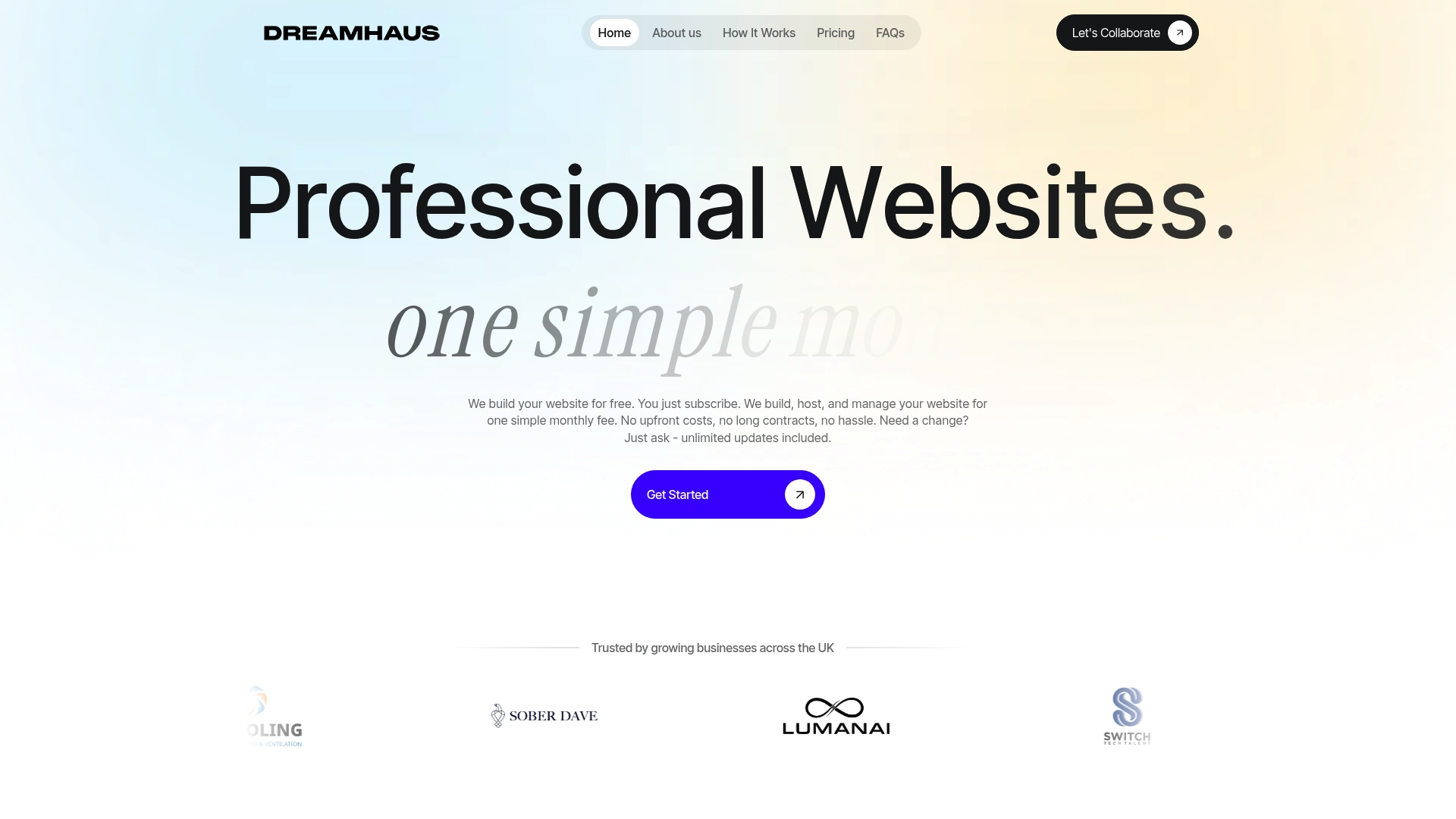
Take the first step towards an effective, user-friendly homepage by partnering with Dream Haus. Visit us today and discover how our free initial build and ongoing support make it easier than ever to achieve your website goals and grow your business. Enjoy peace of mind while your homepage evolves into a dynamic marketing tool that works for you.
Your homepage should attract potential customers, communicate your core business value, generate leads or sales inquiries, and build credibility and trust. Begin by outlining specific goals for your homepage based on the needs of your business and your target audience.
To define your target audience, consider demographic factors like age, location, and income, alongside psychographic aspects such as values and challenges. Create detailed customer personas that represent your most valuable clients, ensuring your homepage resonates with their needs and expectations.
Include a clear headline, a strong primary call-to-action button, a brief value proposition, trust indicators like testimonials, and a simple navigation menu. Organise the content in a way that guides users through an intuitive visual journey, placing key information where visitors are most likely to look, such as the top left corner.
Select a consistent colour palette, professional logo design, complementary typography, and high-quality imagery to create a cohesive visual identity. Ensure these elements tell your business’s story and evoke the right emotions to resonate with your target audience.
Focus on clear, legible typography, intuitive navigation, and a mobile-responsive design. Aim for a minimum font size of 16 points and maintain a strong colour contrast to enhance readability across various devices.
Conduct A/B testing to compare different versions of your homepage, focusing on elements such as headlines, call-to-action buttons, and visual design. Implement changes based on performance metrics and user feedback over a statistically significant duration to continuously improve user engagement.



